MyListings AI
Turn any listing page into a client-ready PDF
No links to paste, no copying. Up to 3 properties free, no credit card required.
How it works
From listing page to client PDF in three steps
No accounts, no software to install beyond one bookmark.
See it in action
How MyListings AI works
A quick walkthrough of the platform, start to finish.
Why MyListings AI
Raw listing links are a bad client experience
Texting or emailing a pile of separate links is distracting and hard to review. One clean PDF isn't.
Several separate links
Different layouts, ads, popups, and sign-in walls — clients have to piece it together themselves.
One clean property PDF
The PDF
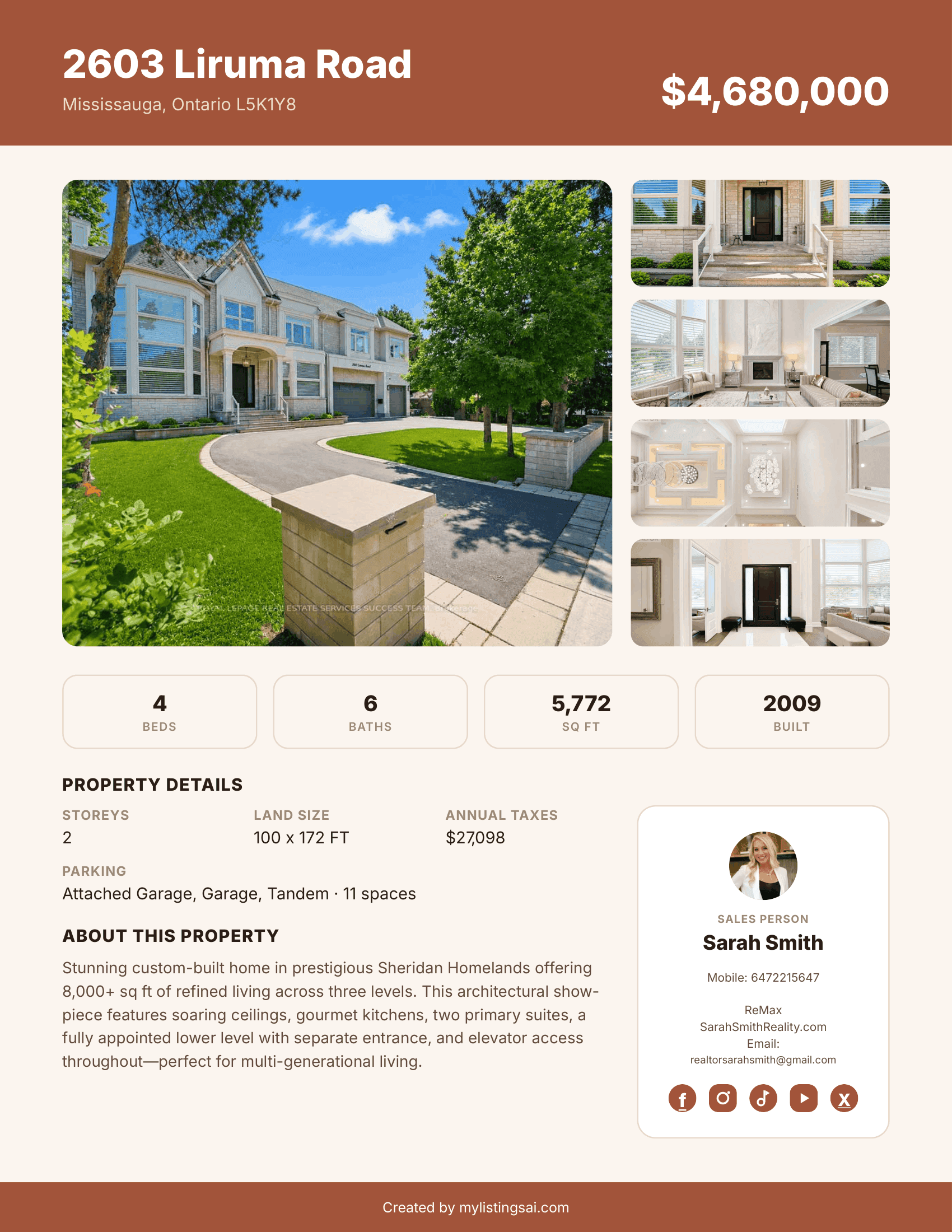
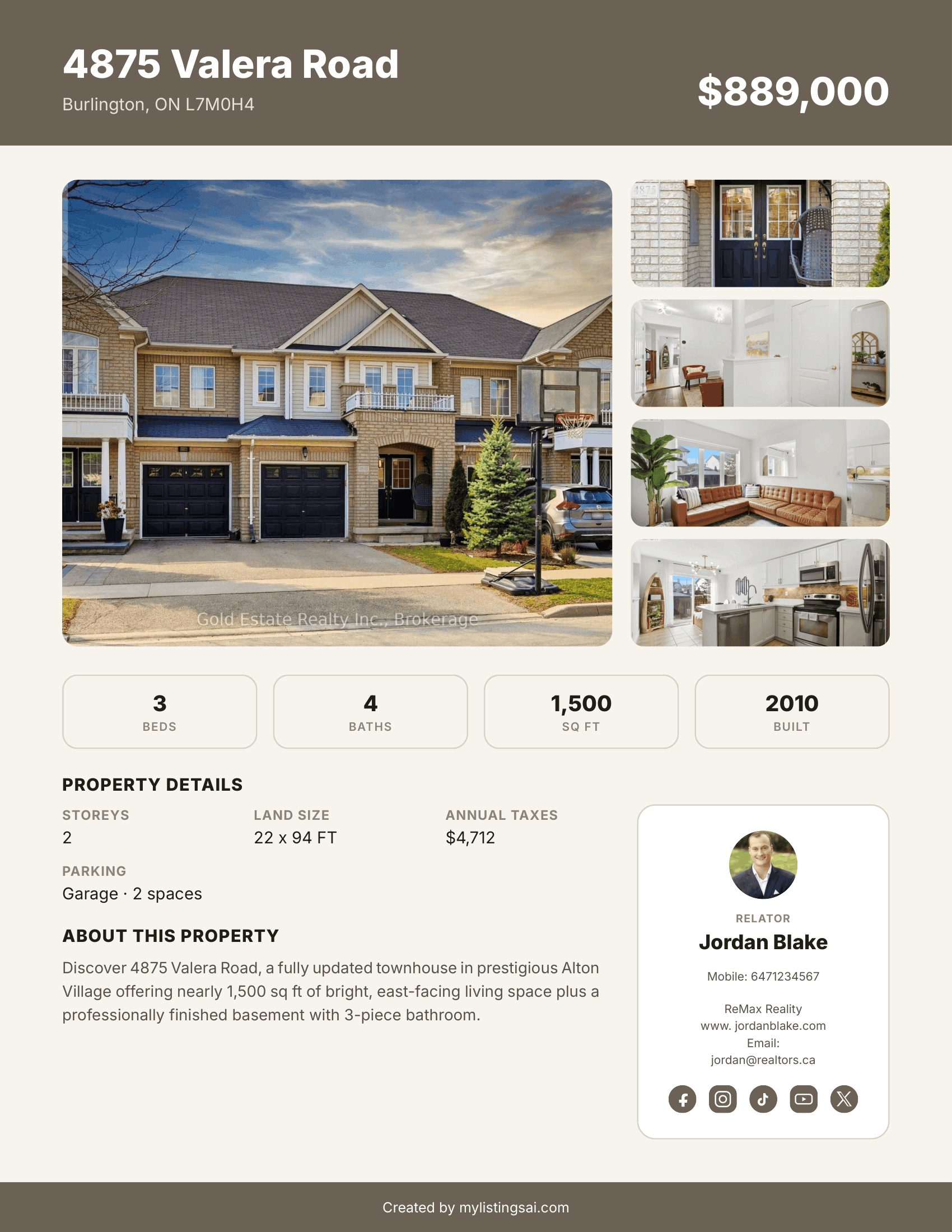
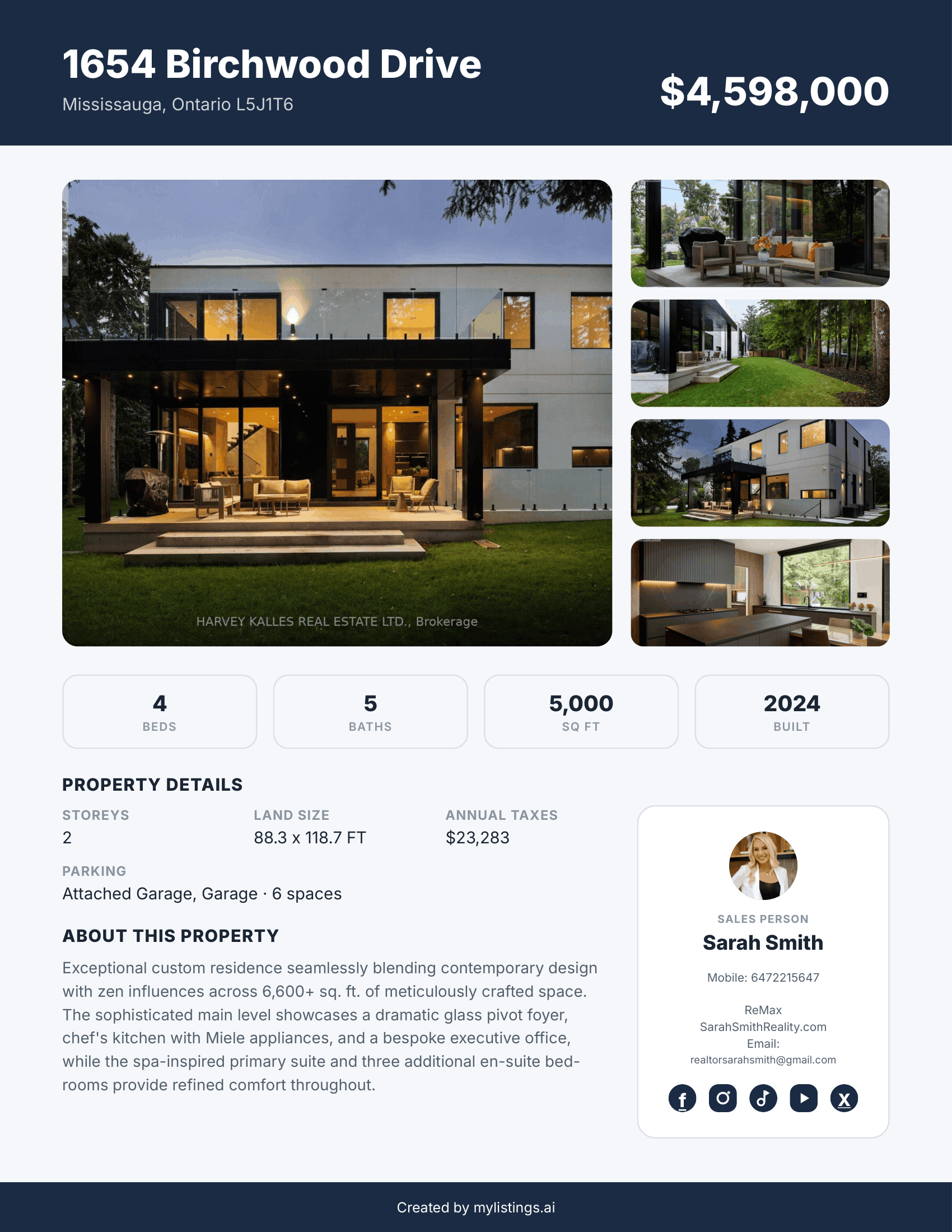
A clean, modern report — every time
This is a real page generated by MyListings AI, not a mockup.
Benefits
Built for how agents actually work
No copying and pasting
The bookmark reads the listing page for you — no retyping addresses or prices.
Save listings while browsing
Capture a property the moment you find it, without breaking your search.
Keep properties in one place
Every saved listing lands on the same page, ready to review together.
One clean document for clients
Send a single PDF instead of a scattered pile of links.
Save time
Skip the manual work of building a report for every showing.
A more professional experience
Clients get something polished and easy to read, not raw links.
FAQ
Common questions
Turn your next property search into a client-ready PDF.
No signup, no copying — just drag the bookmark and start saving listings.
Add Capture Listing